01
Not every team member offers every service
A general menu is not enough when clients do not know who to choose. Assign each team member their services in Pinkly so clients can select a suitable professional.
Pinkly is booking and client management software for beauty salons. Organise hairdressers, beauty therapists and other professionals in the same system, with one clear booking link for your clients.
Appointments, clients and your working day in one place.
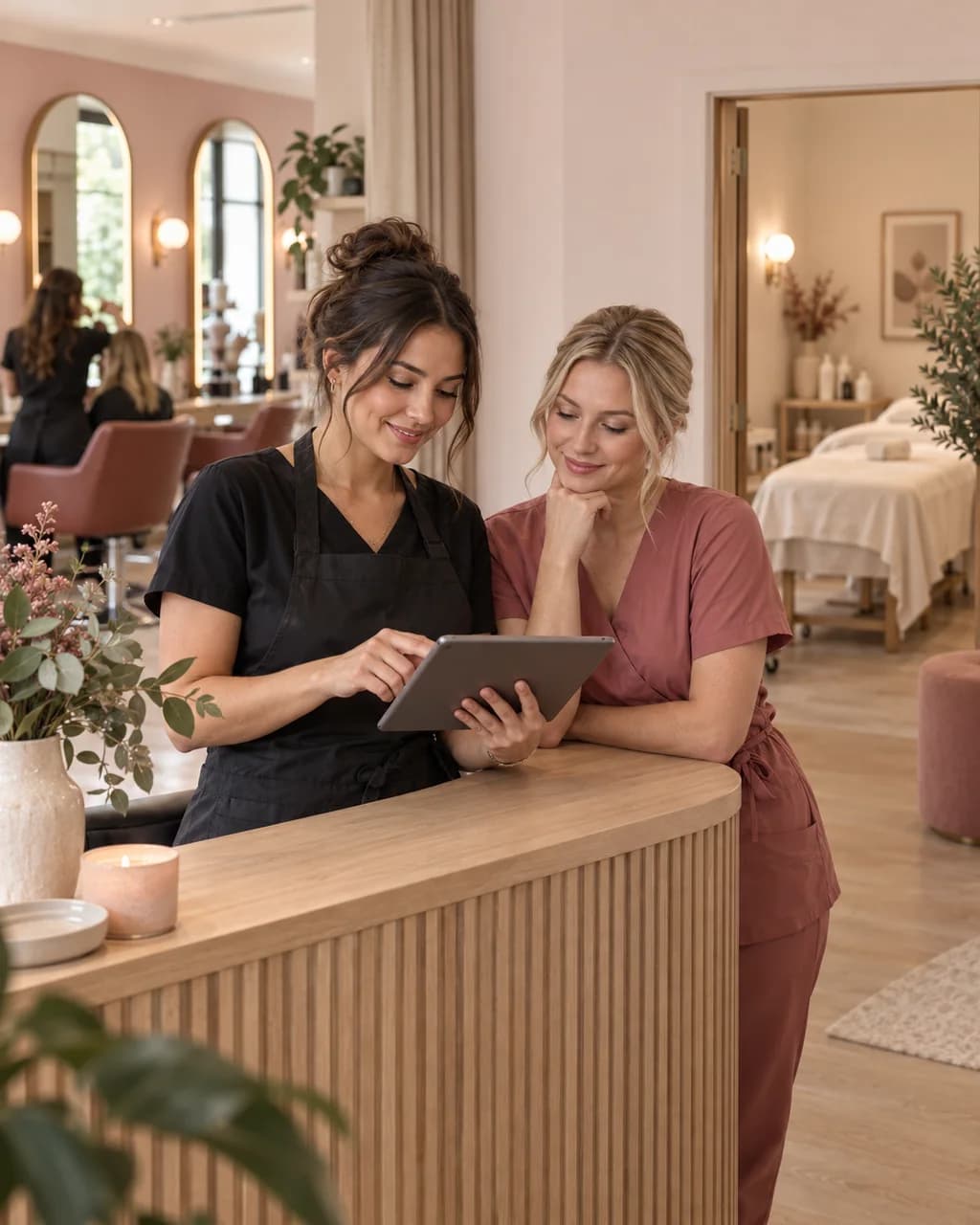
Different professions. One place to manage appointments.
When different professions’ services and schedules are scattered, finding the right professional needs extra conversations. Pinkly brings services, staff hours and appointments into one system.
A general menu is not enough when clients do not know who to choose. Assign each team member their services in Pinkly so clients can select a suitable professional.
Asking about each person’s schedule slows down booking. Set working hours for team members in Pinkly so clients can see times for their chosen service and professional.
Haircuts, facials and manicures become harder for clients to find. Bring them onto one Pinkly booking page with prices, durations and descriptions.
Clients choose a service and an available time on your booking page. Their appointment appears in your calendar.
Give each service a name, price and duration. Choose which services clients can book online.
Decide when you or your team see clients. Available appointments follow the service duration and working hours.
Add your booking link to Instagram, Facebook or your website. Clients go straight to your services.
Services and durations are examples. You set your own in Pinkly.
Personalise your booking page with your photographs, services and visual style. Pinkly works for independent professionals and salons with a team.
Yes. Manage team members' services and working hours. When booking, clients can select their chosen service and a professional who offers it.
Yes. Add your salon's hair, nail, facial and other services to the same page. You choose every service's name, description, price and duration.
Yes. Start as an independent professional or with a small team. Set up your services and working hours, then share the salon's booking link on your website or social media.
Yes. Pinkly supports Estonian, English, Russian and Finnish, so clients can choose the language they prefer when booking.
Explore Pinkly’s features and pricing to find the right setup for your business.