01
The area name does not explain the whole booking
An unclear choice needs checking later. Give each body area and combination its own Pinkly description, price and duration for the whole visit.
Pinkly is booking software for laser hair removal studios. Organise services by body area, set their durations and manage staff availability alongside client appointments in one system.
Appointments, clients and your working day in one place.
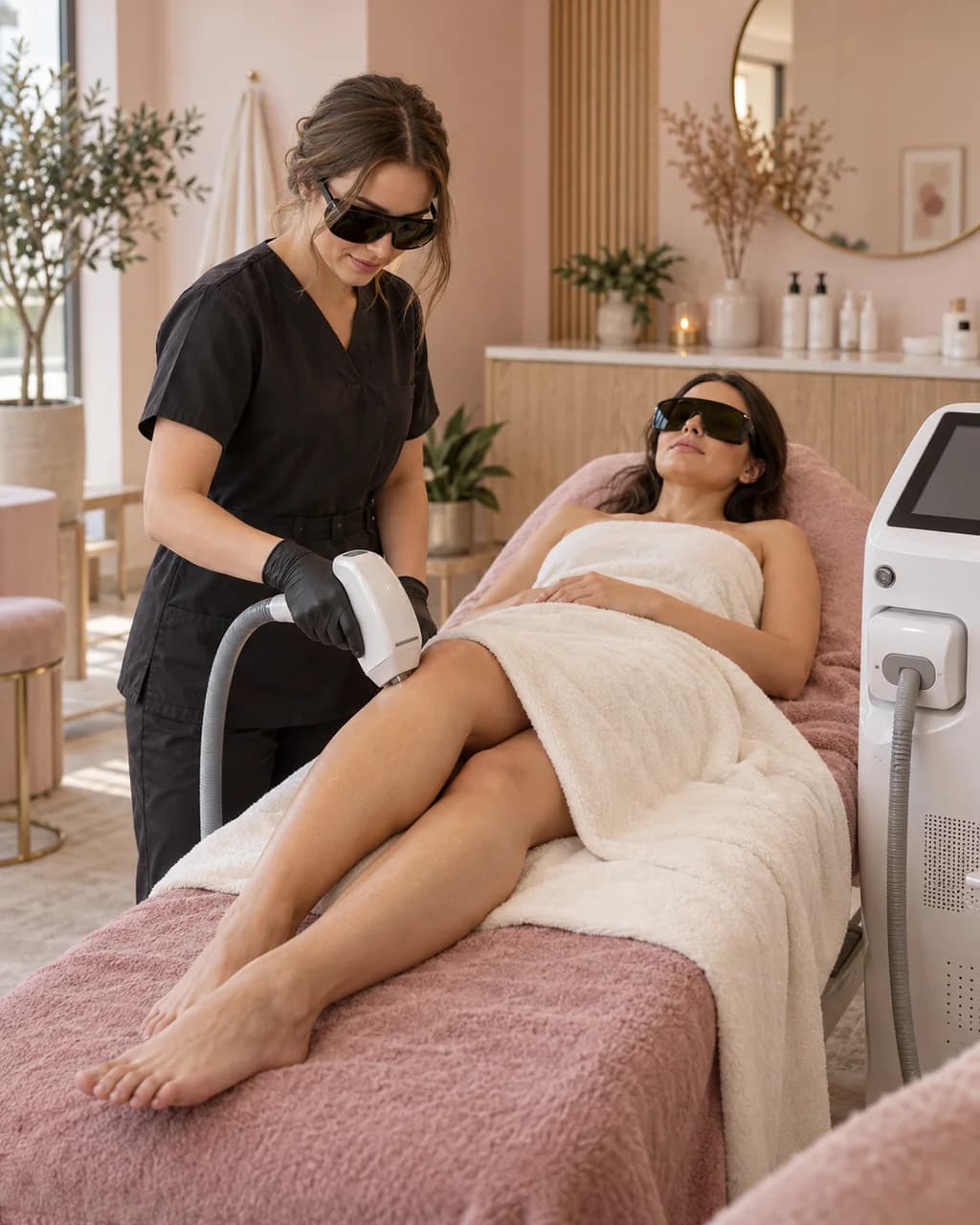
Different areas, thoughtfully planned appointments.
A laser hair removal schedule depends on what has been booked. Pinkly helps separate body areas and combinations and show clients available times with a suitable professional.
An unclear choice needs checking later. Give each body area and combination its own Pinkly description, price and duration for the whole visit.
Checking who offers the service and when they are available adds messages. Set staff services and working hours in Pinkly so clients can make a suitable choice themselves.
A time agreed verbally or in a message needs its own place in the calendar. Add the next visit as a separate Pinkly booking and set up a client reminder.
Clients choose a service and an available time on your booking page. Their appointment appears in your calendar.
Give each service a name, price and duration. Choose which services clients can book online.
Decide when you or your team see clients. Available appointments follow the service duration and working hours.
Add your booking link to Instagram, Facebook or your website. Clients go straight to your services.
Services and durations are examples. You set your own in Pinkly.
Personalise your booking page with your photographs, services and visual style. Pinkly works for independent professionals and salons with a team.
Yes. Create separate services for body areas, each with its own description, price and duration. You can also add combinations of several areas.
Yes. Choose whether each service can be booked online. Add appointments that need a prior agreement to your calendar yourself.
Yes. Each visit has its own booking. Arrange the next appointment with the client or share your link to services available for online booking.
Yes. Pinkly supports Estonian, English, Russian and Finnish, so clients can choose the language they prefer when booking.
Explore Pinkly’s features and pricing to find the right setup for your business.